

Free AI anime image creator
Anime Photo Generator
Create anime photos from real pictures in a chat-style workspace — pick a style, add an optional prompt, and generate in seconds.
Anime Photo Generator — Free AI Anime Image Creator
Anime style
✦ 1/ image
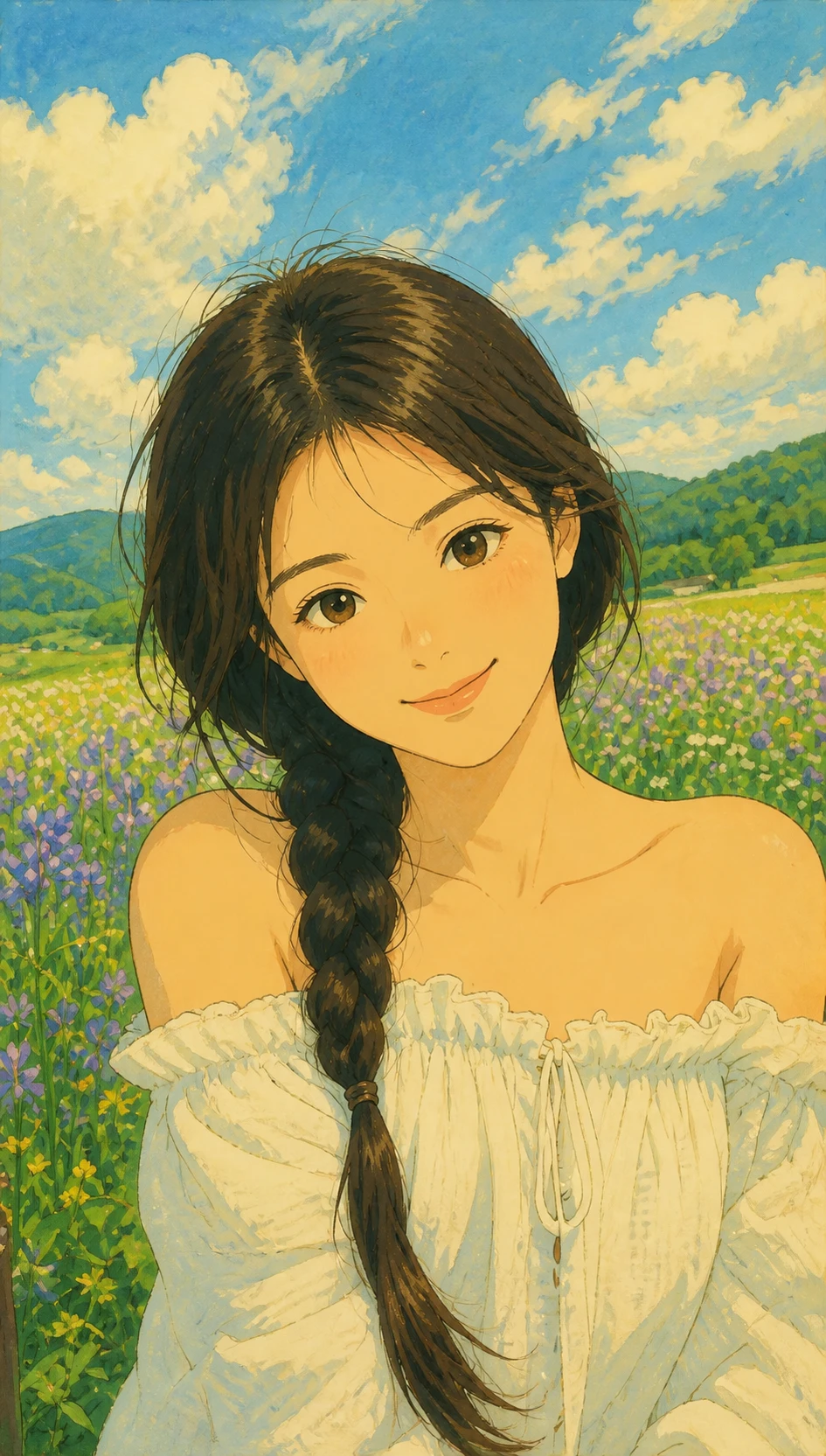
Anime photo generator results you can recreate
Sample anime photos from this generator. Click any look, then try the same style in the dialog above.
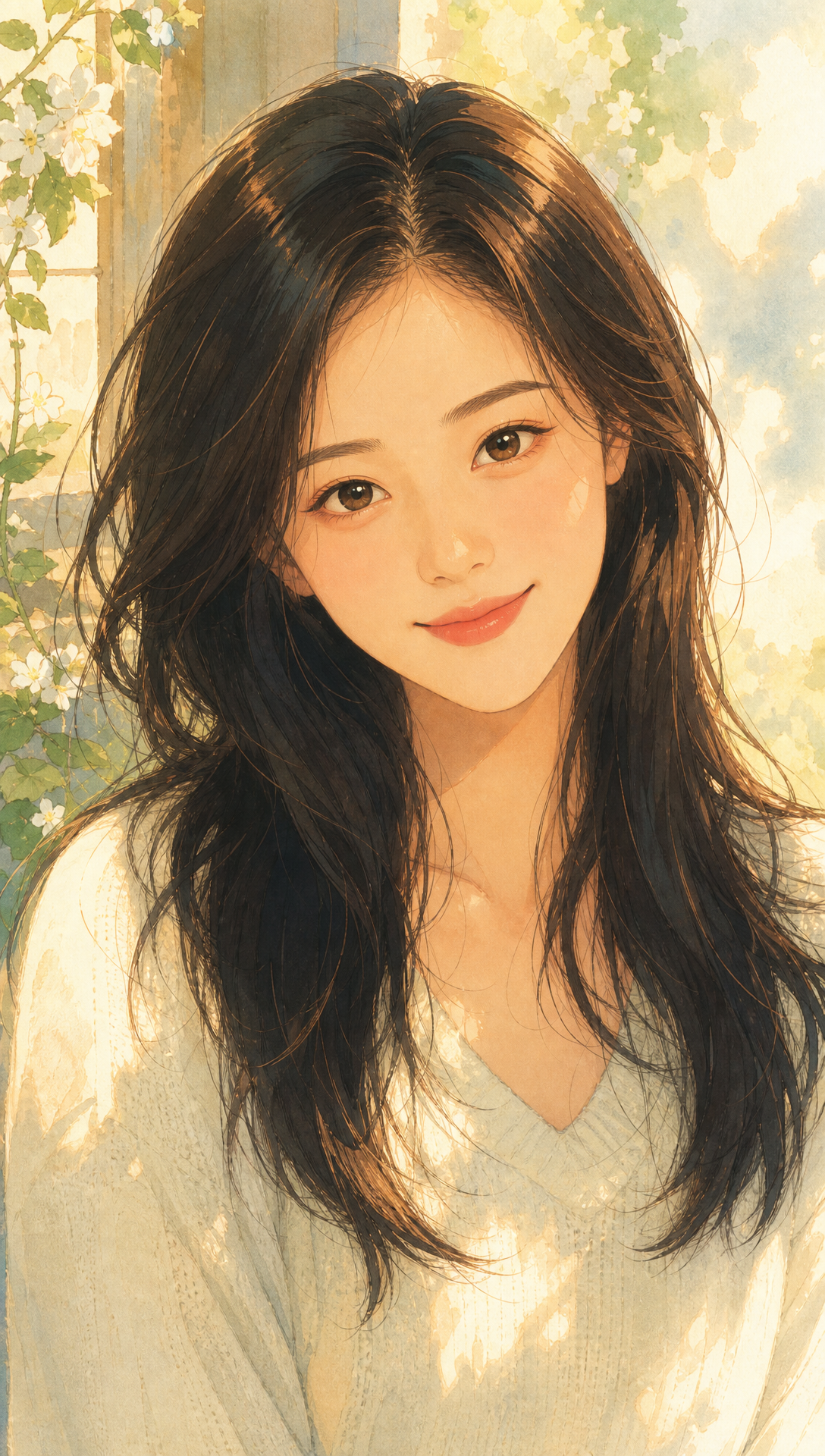
What it is
Anime Photo Generator — create anime images from your photos
AnimePhotoGen is a free anime photo generator that redraws real pictures into anime art. Keep your face and pose, switch styles in one click, and generate without leaving this page.
Chat-style workspace
Upload, prompt, pick a style, and generate in one dialog — no app hop.
Nine anime styles
Ghibli-inspired, manga, shonen, cyberpunk, classic 90s, chibi, watercolor, pixel, neon glow.
Free daily credits
Start generating without signing up. Upgrade later when you need more volume.
Anime photo styles built into the generator
Every style chip in the dialog is a full AI redraw tuned for photo identity.
Studio Ghibli inspired
Soft painterly light and gentle faces for outdoor portraits.
Manga
Crisp outlines and glossy eyes for magazine-cover anime photos.
Shonen
Bold action energy and high-saturation battle vibes.
Cyberpunk
Neon night city grades with chrome accents.
Classic 90s
Retro TV cel look with soft VHS nostalgia.
Chibi
Cute super-deformed proportions for stickers and PFPs.
Watercolor
Soft washes and paper texture for illustration vibes.
Pixel anime
16-bit sprite portraits with visible pixels.
Neon glow
Sharp line art with cobalt-violet rim light.
What people make with an anime photo generator
One selfie becomes many anime looks for social, gifts, and creative tests.
Anime profile pictures
Turn a selfie into a Discord, TikTok, or Instagram PFP that still looks like you.
Couple anime photos
Create romantic anime portraits for anniversaries and trips.
Pet anime portraits
Redraw dogs and cats as anime characters for stickers and prints.
Cosplay style tests
Preview manga, shonen, or cyberpunk looks on a reference selfie.
Personalized gifts
Make anime photos people love to share or print.
Thumbnails and covers
Generate anime faces for videos, streams, and creative boards.
How to use this anime photo generator
Three steps in the dialog above — no prompt engineering required.
Upload your photo
Drop a selfie, couple shot, or pet picture into the reference tile.
Pick a style and optional prompt
Choose Ghibli, manga, chibi, neon, or another preset. Add a short mood or outfit note if you want.
Generate and download
Hit the generate button, preview the anime photo, then download your result.
How the anime photo generator works
A short guide so you know what the AI does — and how to get cleaner anime photos.
Start from a real photo
The dialog needs a reference image. Clear faces and good lighting convert best.
Style chips drive the redraw
Each anime style rewrites the generation prompt while keeping identity.
Optional text for mood control
Add outfit, background, or mood notes when you want a tweak without leaving the dialog.
AI redraw vs a photo filter
Filters recolor pixels. This anime photo generator redraws linework, eyes, hair, and shading.
Anime photo vs text-only AI art
Text tools invent a new face. An anime photo generator keeps your likeness while changing the art style.
Free to try on this page
Use free daily credits with no account. Sign in later for purchases and higher volume.
Anime photo generator FAQ
Still stuck? Email support@animephotogen.com
What is an anime photo generator?
It is an AI tool that turns a real photo into anime-style art. You upload an image, pick a style, and get a redrawn anime portrait — not just a color overlay.
How do I create an anime photo for free?
Use the dialog at the top of this page. Upload a photo, choose a style, and click generate. Free daily credits let you try without signing up.
Do I need to sign up for the anime photo generator?
No. Guests can generate with free daily credits. Create an account when you want purchased credits or more volume.
Which anime styles are available?
Fifteen anime-inspired presets including Ghibli, Naruto, Kimetsu, Sailor, Akira, Chibi, Shinkai, and more.
Can I write a prompt with my photo?
Yes. Prompts are optional. Use them to nudge mood, outfit, or background while the photo remains the main reference.
What photos work best?
Clear selfies, couple photos, and pet portraits with decent lighting. Very blurry or heavily filtered faces are harder to redraw well.
Is this the same as an anime filter app?
No. Filter apps mostly recolor. AnimePhotoGen uses AI to redraw your image into anime illustration while keeping identity and pose.
Can I use the anime photos commercially?
You may use your generated results for personal projects and social posts. For commercial licensing details, contact support@animephotogen.com.
Start your anime photo generator.
Scroll up to the dialog, upload a photo, and create anime art in a few clicks.