

Free AI anime generator from image
Image to Anime Converter
Upload a photo, pick a style, and convert any image to anime art in seconds — free daily credits, no sign-up needed to generate.
Upload an image, pick an anime style, and convert it to anime in seconds.
Select Style
Choose an anime style for your photo
Input
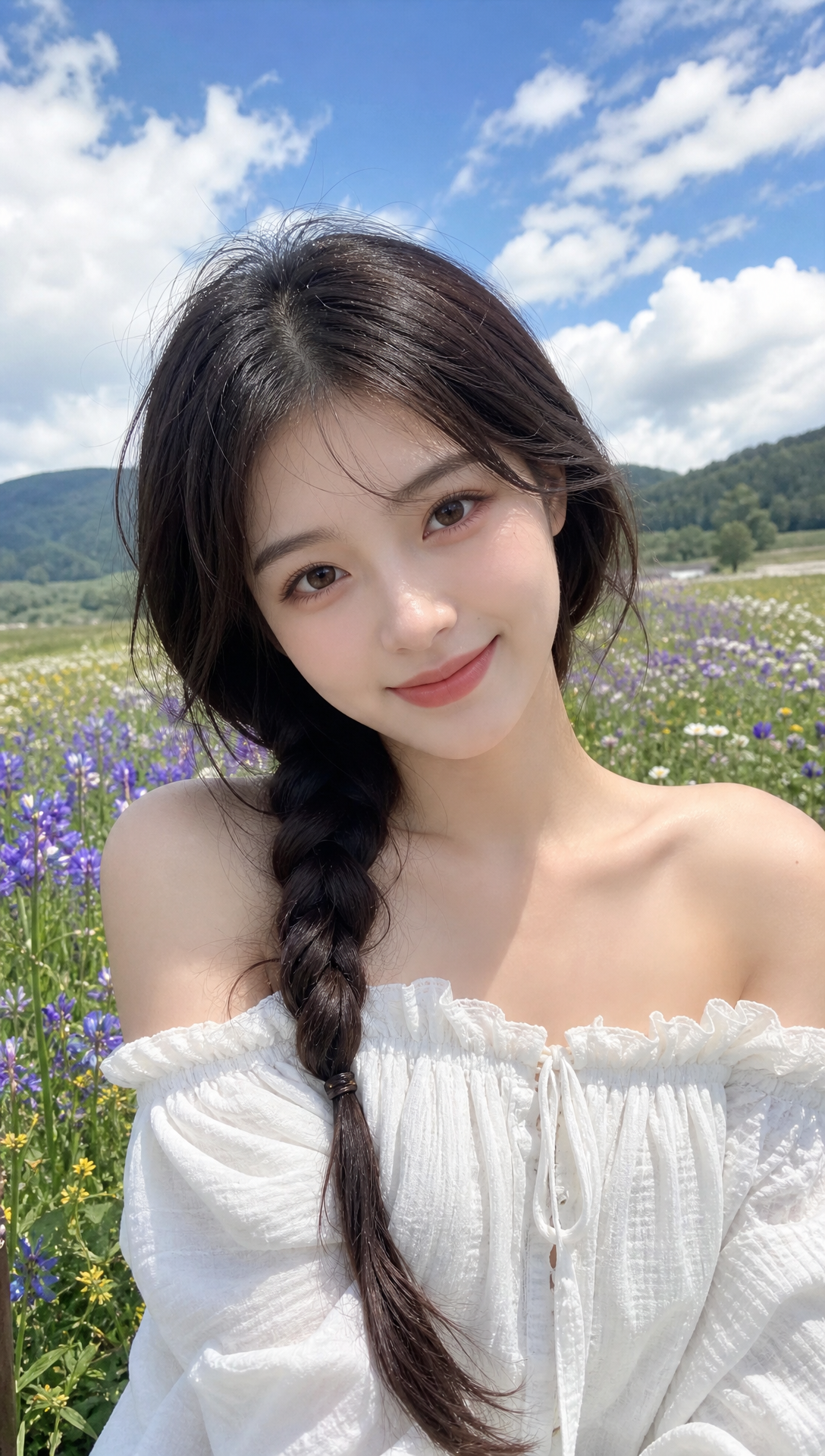
Upload a photo to convert into anime
1 free credit per day. Sign in for more.
Output
Your generated anime image appears here
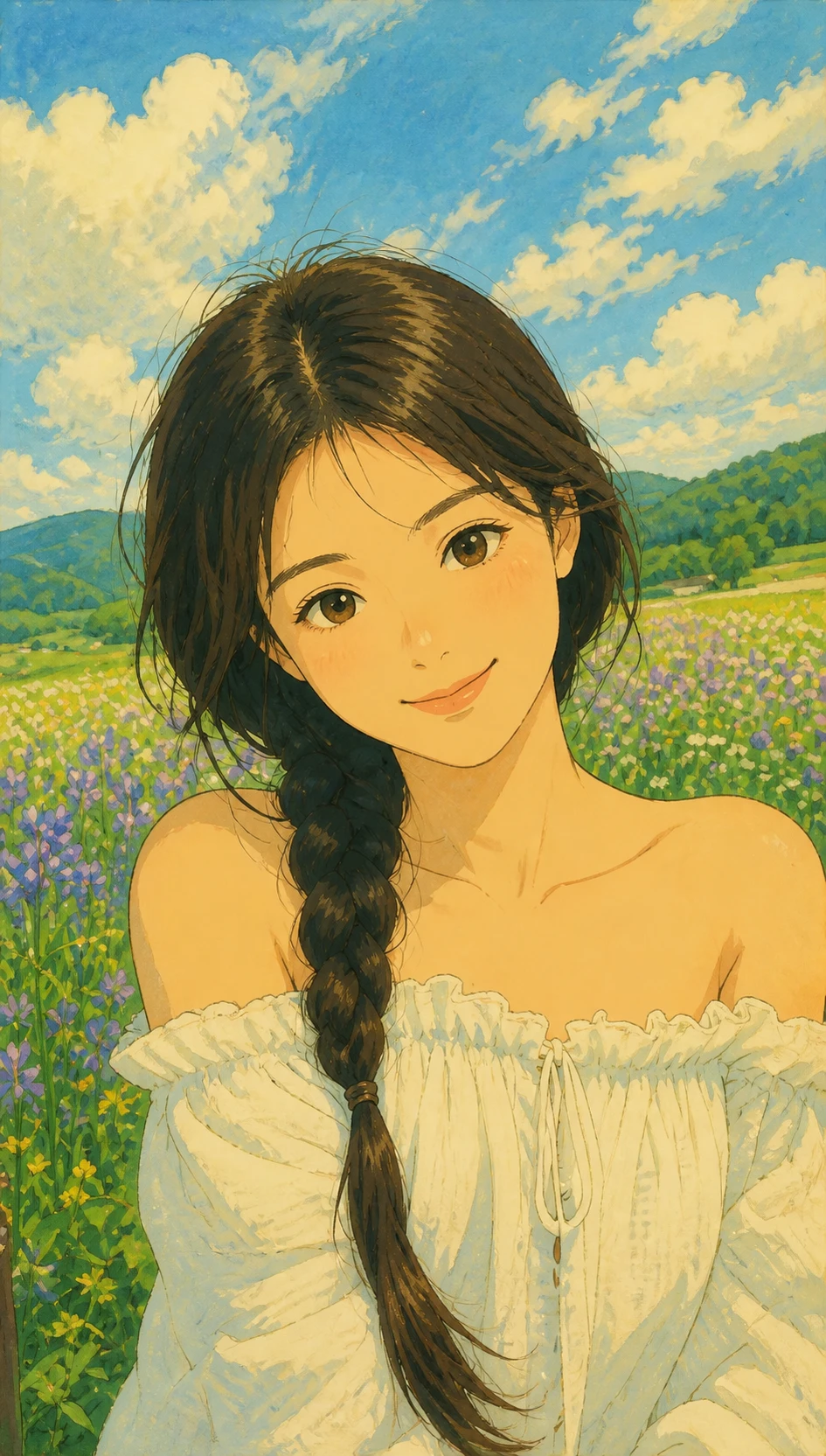
Result gallery
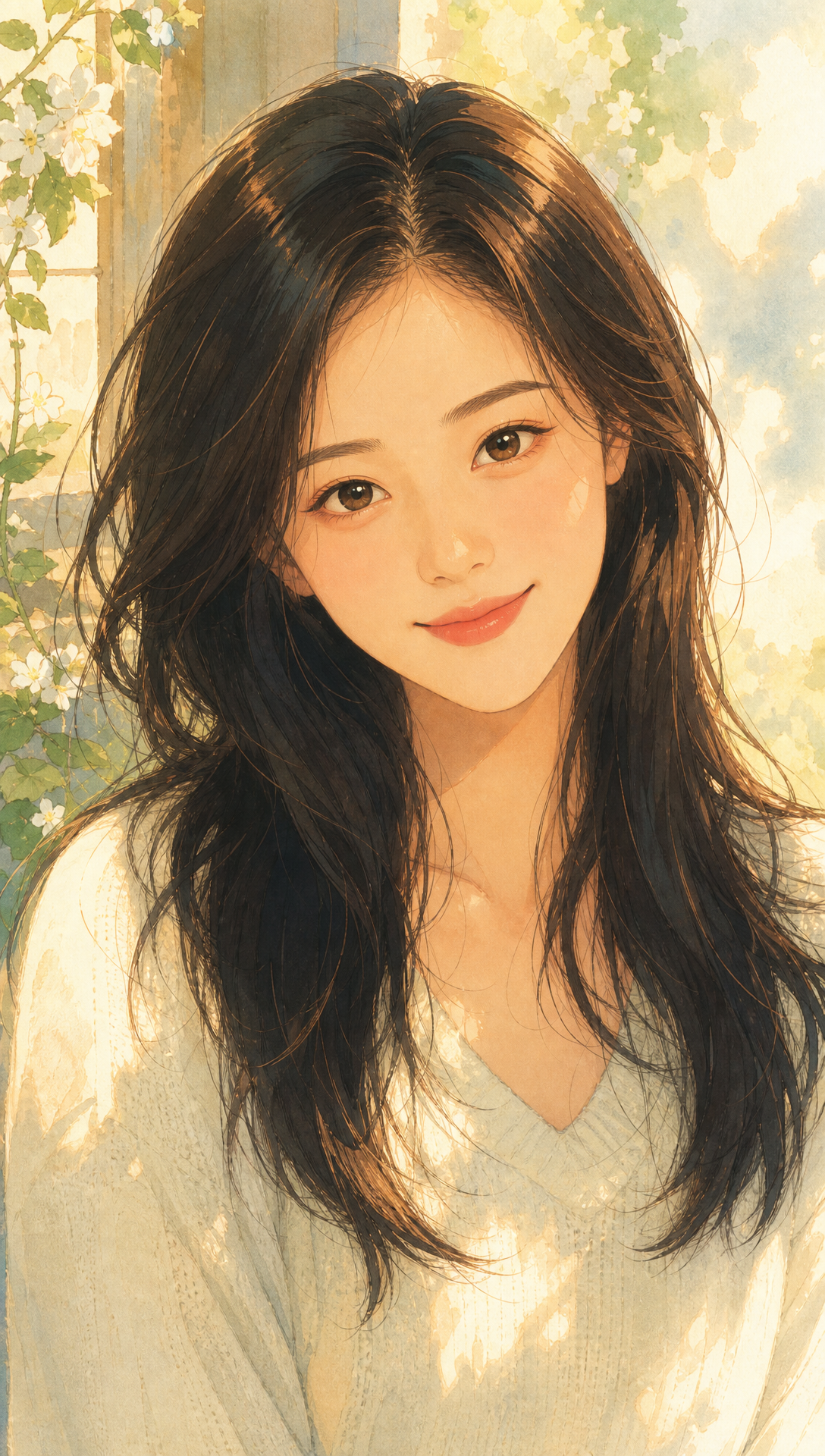
Real outputs from this converter. Click to preview, then try the same style in the tool.
What it is
What Is an Image to Anime Converter?
An image to anime converter is an AI tool that redraws your photo as anime art. It is not a color filter. Faces, pose, and lighting stay recognizable while line art, shading, and palette become anime.
Use the tool on this page
No app hop. Upload above, generate, and preview on the same URL.
Fifteen anime styles
Ghibli-inspired, manga, shonen, cyberpunk, classic 90s, chibi, watercolor, pixel, neon glow, and more.
Free daily credits
Generate without signing up. Subscribe when you want watermark-free downloads.
Photo to Anime Converter vs. Picture to Anime: One Tool, Many Names
Sellers of this tool call it an image to anime converter, a photo to anime converter, or a picture to anime tool — and people search all three. They mean the same thing: upload a photo, and AI redraws it as anime art while keeping the face, pose and lighting recognizable. Photos to anime usually implies more than one image; picture to anime and pic to anime are the shorter, casual phrasings of the same request. You don't need a different tool for each — one converter handles them all.
If you need photos to anime for a batch of selfies or trip shots, keep the same style selected so the set stays visually consistent. Casual pictures to anime — a pet close-up, a couple portrait, or a group snap — work the same way in the tool above. Prefer browsing styles first? Start from the homepage anime photo generator, or open the dedicated photo to anime converter page for the same upload-and-style workflow.
Anime Styles You Can Switch in One Click
Pick a look in the converter above. Each style is a full AI redraw tuned for photo identity.
Studio Ghibli inspired
Soft painterly skies, warm light, and gentle faces — great for outdoor portraits.
Manga
Crisp ink outlines, glossy eyes, and magazine-cover cel color.
Shonen
Bold action energy, speed lines, and high-saturation battle vibes.
Cyberpunk
Neon night city, chrome accents, and cold blue-purple grades.
Classic 90s
Retro TV cel look with thick outlines and soft VHS nostalgia.
Chibi
Super-deformed cute proportions for stickers and profile pics.
Watercolor
Wet-on-wet washes and paper texture for soft illustration vibes.
Pixel anime
16-bit sprite look with visible pixels and dithered shading.
Neon glow
Sharp line art wrapped in cobalt-violet rim light and sparkles.
Where People Use an Image to Anime Converter
Same photo, many anime looks — for social, gifts, and creative tests.
Social & anime PFPs
Turn a selfie into a Discord, TikTok, or Instagram profile that still looks like you.
Couple portraits
Convert a partner photo into romantic anime art for anniversaries and trips.
Pet anime portraits
Redraw dogs and cats as anime characters for stickers and prints.
Cosplay previews
Test manga, shonen, or cyberpunk looks on a reference selfie before buying gear.
Gifts & keepsakes
Make personalized anime portraits people actually love to share or print.
Thumbnails & covers
Create anime-style faces for videos, streams, and creative boards.
How to Convert a Picture to Anime in 3 Steps
Three steps from photo to anime art — no prompt engineering required.
Upload your image
Drop a selfie, couple shot, pet photo, or clear portrait. JPG, PNG, and WebP work.
Choose an anime style
Select Ghibli, manga, chibi, neon, or another preset. Optionally set aspect ratio or a short prompt.
Generate and download
Click Generate, preview the result, then download. Free downloads include a watermark; subscribe for clean exports.
How the Converter Works
A short guide so you know what the AI does — and what stays under your control.
Upload a photo or try the demo
Start with the sample above or your own image. Clear faces and good lighting convert more cleanly.
Style presets and controls
Each style is a rewritten prompt tuned for identity. Aspect ratio and optional text refine the frame.
AI redraw vs a photo filter
Filters recolor pixels. This converter redraws linework, eyes, hair, and shading into anime illustration.
Photo conversion vs text-only generators
Text tools invent a new face. A photo-based converter keeps your likeness while changing the art style.
Free to try, private enough to start
Generate with free daily credits and no account. Sign in later for purchases and watermark-free downloads.
Getting Better Photo to Anime Results
Start with a front-facing source photo where the face is sharp, unobstructed, and evenly lit. Soft daylight or indoor light from the front usually holds facial detail better than backlight, harsh shadows, or dim night scenes. Skip heavy beauty filters and anything that covers the eyes or mouth.
A single clear conversion is typically the most stable outcome. When you want matching looks for avatars or social posts, convert several photos with the same style so line weight and palette stay consistent across the set — that is where photos to anime in a batch feel cohesive rather than random.
If keeping likeness matters, avoid extreme deformation styles and favor moderate looks such as Ghibli-inspired, manga, or classic 90s. You do not need to re-upload to try another look: keep the same source image, switch the style, and generate again until the pass feels right.
Frequently Asked Questions
Still stuck? Email support@animephotogen.com
What is an image to anime converter?
It is an AI tool that turns a real photo into anime-style art. You upload an image, pick a style, and get a redrawn portrait or scene — not just a color overlay.
How do I convert a photo to anime for free?
Use the converter at the top of this page. Upload a photo, choose a style, and click Generate. Free daily credits let you try without signing up.
Do I need to sign up to use the converter?
No. You can generate with free daily credits as a guest. Create an account when you want purchased credits or watermark-free downloads.
Is there a watermark on free downloads?
Yes. Free downloads include a light AnimePhotoGen watermark. Active subscribers can export clean, watermark-free images.
Which styles does the converter support?
Fifteen anime-inspired presets including Ghibli, Naruto, Kimetsu, Sailor, Akira, Chibi, Shinkai, and more.
What photos work best?
Clear selfies, couple photos, and pet portraits with decent lighting. Very blurry, heavily filtered, or tiny faces are harder to redraw well.
Is this the same as a photo to anime filter app?
No. Filter apps mostly recolor. AnimePhotoGen uses AI to redraw your image into anime illustration while keeping identity and pose.
Can I use the anime art commercially?
You may use your generated results for personal projects and social posts. For commercial licensing details, contact support@animephotogen.com.
Is image to anime free?
You can try the converter with free daily credits and no account required to generate. Free downloads include a light watermark. If you want extra credits or watermark-free exports, create an account and subscribe. Pricing details are on the pricing page.
What is the best photo to anime converter?
There is no single best choice for everyone. Compare tools by whether they keep facial features recognizable, how many anime styles they offer, and whether you can try without signing up. Run the same clear selfie across a few options and judge likeness, style range, and download terms for your use case.
Can Google convert an image to anime?
Google Search itself does not convert photos into anime art. It helps you find websites and apps that do. After you open a converter, you still upload the photo there, pick a style, and generate on that site — search only points you to the tool.
What's a good prompt for photo to anime?
On AnimePhotoGen you mainly select a style preset rather than writing a full prompt. That is usually enough for a clean redraw. If you want a small tweak, add an optional short description such as mood, background, or clothing color — keep it brief and leave identity to the uploaded photo.
Drop an image, get anime art.
Scroll up to the converter and turn your photo into anime art in a few clicks.