

Free AI Ghibli generator from photo
Ghibli Style Photo to Anime
Upload a selfie or outdoor portrait and get Studio Ghibli–inspired anime art in seconds — soft light, painterly skies, and your likeness kept.
Ghibli Style Photo to Anime — Free AI Ghibli Generator
AI Ghibli Generator
Ghibli style is pre-selected. Upload a photo and generate — free daily credits, no sign-up needed to try.
Select Style
Choose an anime style for your photo
Input
Upload a photo to convert into anime
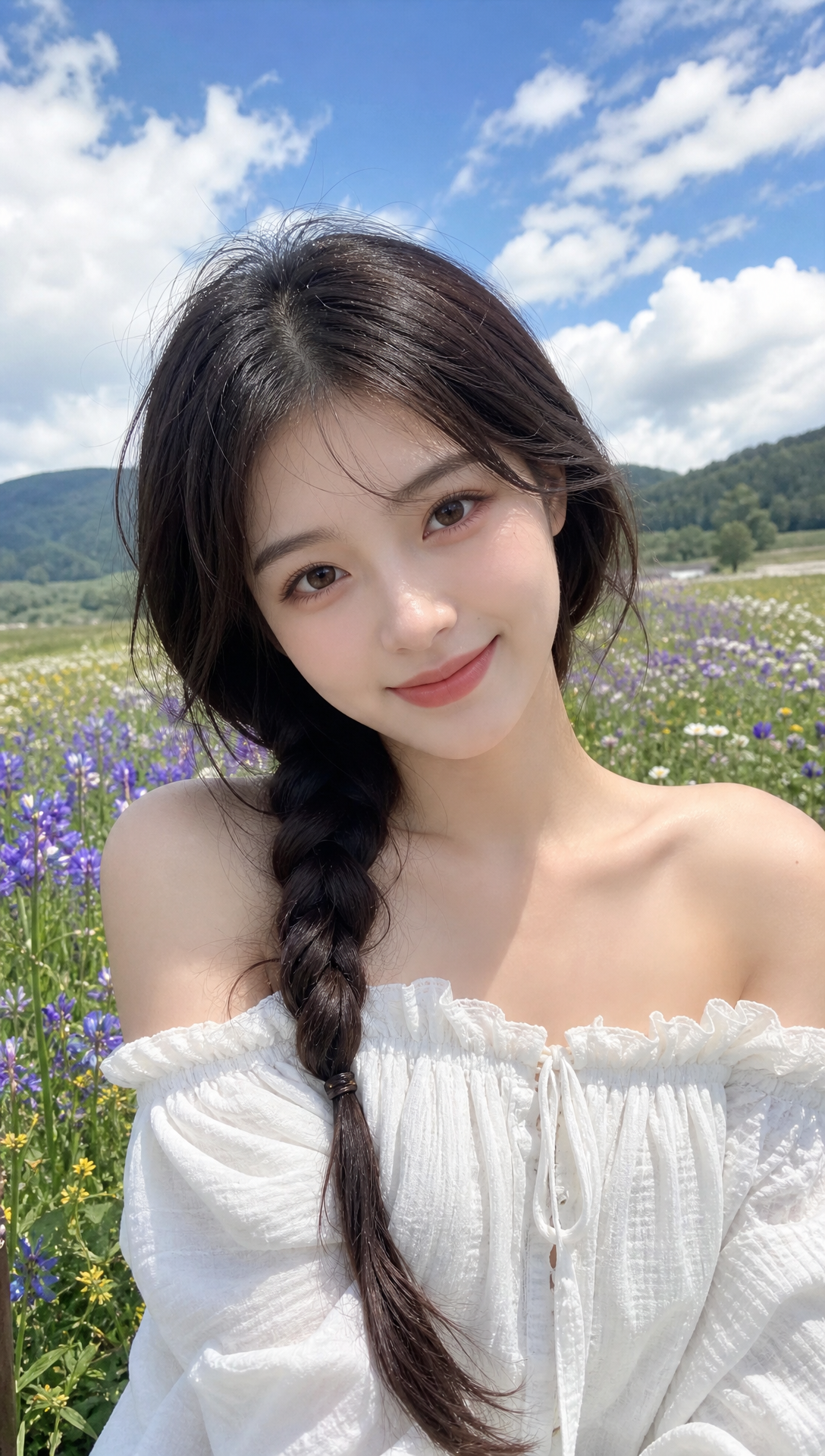
20 daily credits for everyone.
Output
Your generated anime image appears here
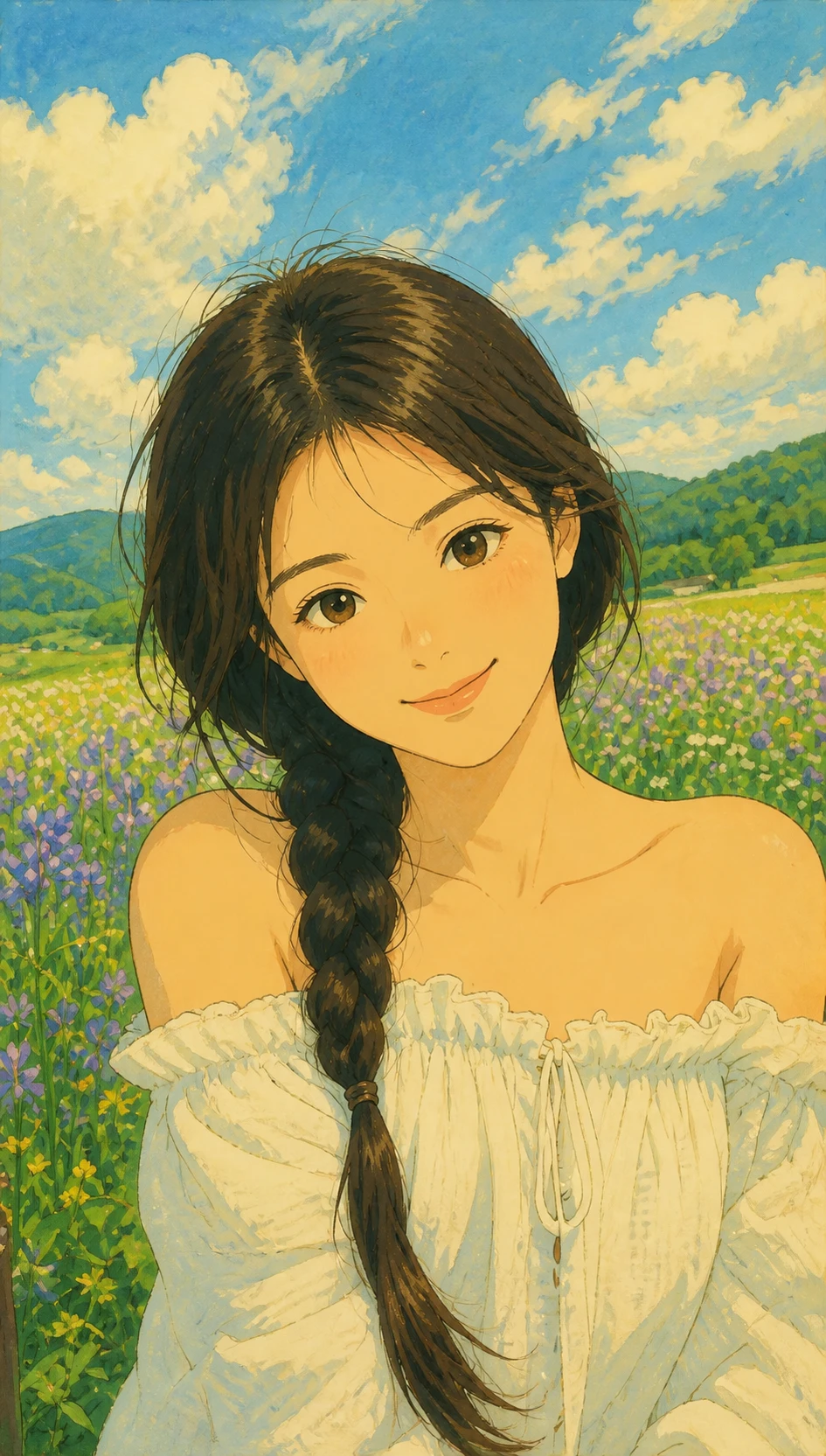
Ghibli-style results you can recreate above
Real Ghibli-inspired outputs from photos. Preview, then generate the same look in the tool.
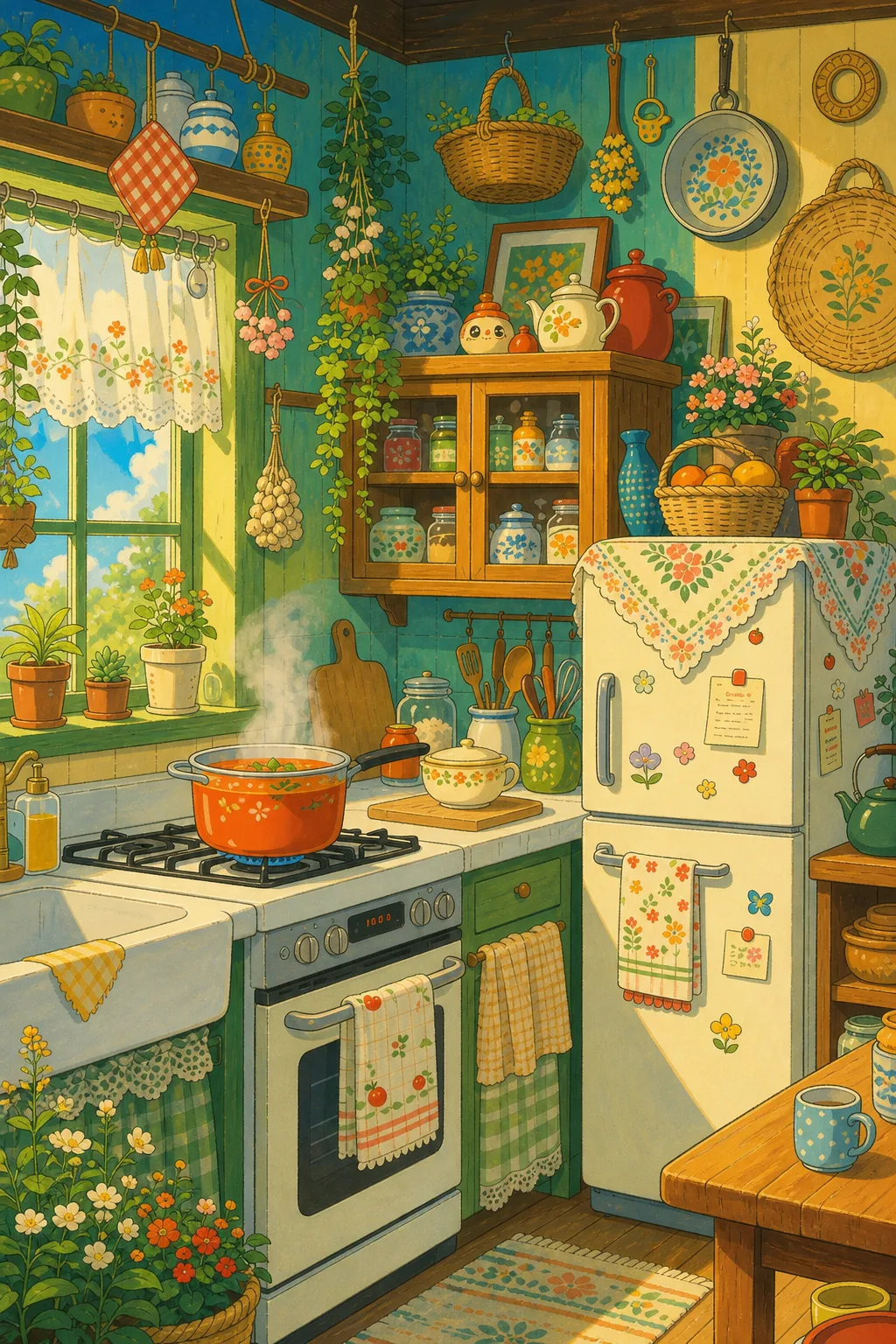
What it is
Convert a photo to Ghibli style — not a color filter
AnimePhotoGen redraws your image into Studio Ghibli–inspired illustration: soft light, painterly skies, and storybook atmosphere — for portraits or scenery, while keeping the original composition recognizable.
Ghibli preset ready
This page opens with Ghibli selected so you can upload and generate in one flow.
Likeness first
Composition and key details stay recognizable — whether the photo is a portrait or a landscape.
Free daily credits
Try without signing up. Subscribe when you want watermark-free downloads.
What makes the Ghibli look
This preset leans into soft storybook lighting. Switch styles anytime if you want a sharper or cuter result.
Painterly skies
Soft clouds, warm horizons, and hand-painted atmosphere behind your subject.
Gentle faces
Rounded features and calm expressions — less sharp ink, more storybook warmth.
Natural outdoor light
Works especially well on daylight portraits, travel photos, and park selfies.
Want cute instead?
Switch to Chibi for sticker / PFP proportions, or try watercolor for wet washes.
Where people use a Ghibli photo converter
Same selfie, softer anime storybook vibe — for social, gifts, and travel memories.
Travel & outdoor portraits
Turn vacation photos into Ghibli-mood keepsakes with skies and soft light.
Romantic gifts
Partner photos feel warmer in a painterly Ghibli-inspired frame.
Profile & cover art
A softer anime PFP that still looks like you — without harsh neon or chibi squash.
Printable keepsakes
Generate a portrait people actually want to save or print as a gift.
How to turn a photo into Ghibli style
Three steps — Ghibli is already selected on this page.
Upload your photo
Clear daylight portraits and outdoor shots convert best. JPG, PNG, and WebP work.
Keep Ghibli (or switch)
Ghibli is pre-selected. Optionally add a short prompt or change aspect ratio.
Generate and download
Preview the result, then download. Free downloads include a light watermark; subscribe for clean exports.
Tips for better Ghibli-style results
Small photo choices make a big difference with this soft preset.
Prefer soft daylight
Harsh flash and heavy Instagram filters fight the painterly look.
Show the face clearly
Front or three-quarter faces redraw more reliably than tiny distant subjects.
Outdoor context helps
Trees, sky, and windows give the model space to paint Ghibli-like atmosphere.
Filter vs AI redraw
A “Ghibli filter” mostly recolors. This tool redraws linework, eyes, and shading.
Read the tips blog
More practical advice: how lighting and framing improve Ghibli outputs.
Free to try
Use free daily credits as a guest. Sign in later for purchases and watermark-free downloads.
Ghibli style photo to anime FAQ
Still stuck? Email support@animephotogen.com
What is a Ghibli style photo to anime converter?
It is an AI tool that redraws your real photo into Studio Ghibli–inspired anime art — soft lighting, gentle faces, and painterly backgrounds — while keeping your likeness.
Is this a free AI Ghibli generator?
Yes. You get free daily credits to generate on this page without signing up. Subscribe if you want watermark-free downloads or more volume.
Is this an official Studio Ghibli product?
No. AnimePhotoGen offers an independent Ghibli-inspired art style. It is not affiliated with Studio Ghibli.
How is this different from a Studio Ghibli filter?
Most filters only recolor pixels. This generator redraws your photo into illustration — line art, eyes, hair, and shading — in a Ghibli-inspired mood.
What photos work best for Ghibli style?
Clear outdoor portraits, travel photos, and soft daylight selfies. Very dark, blurry, or heavily filtered shots are harder.
Can I switch to another anime style?
Yes. Ghibli is pre-selected here, but you can switch to chibi, manga, watercolor, and other presets in the same tool.
Where can I learn more tips?
See our guide: Ghibli style from real photos — tips on the blog.
Upload a photo. Get Ghibli-inspired anime.
Scroll up to the AI Ghibli generator and convert your photo in a few clicks.