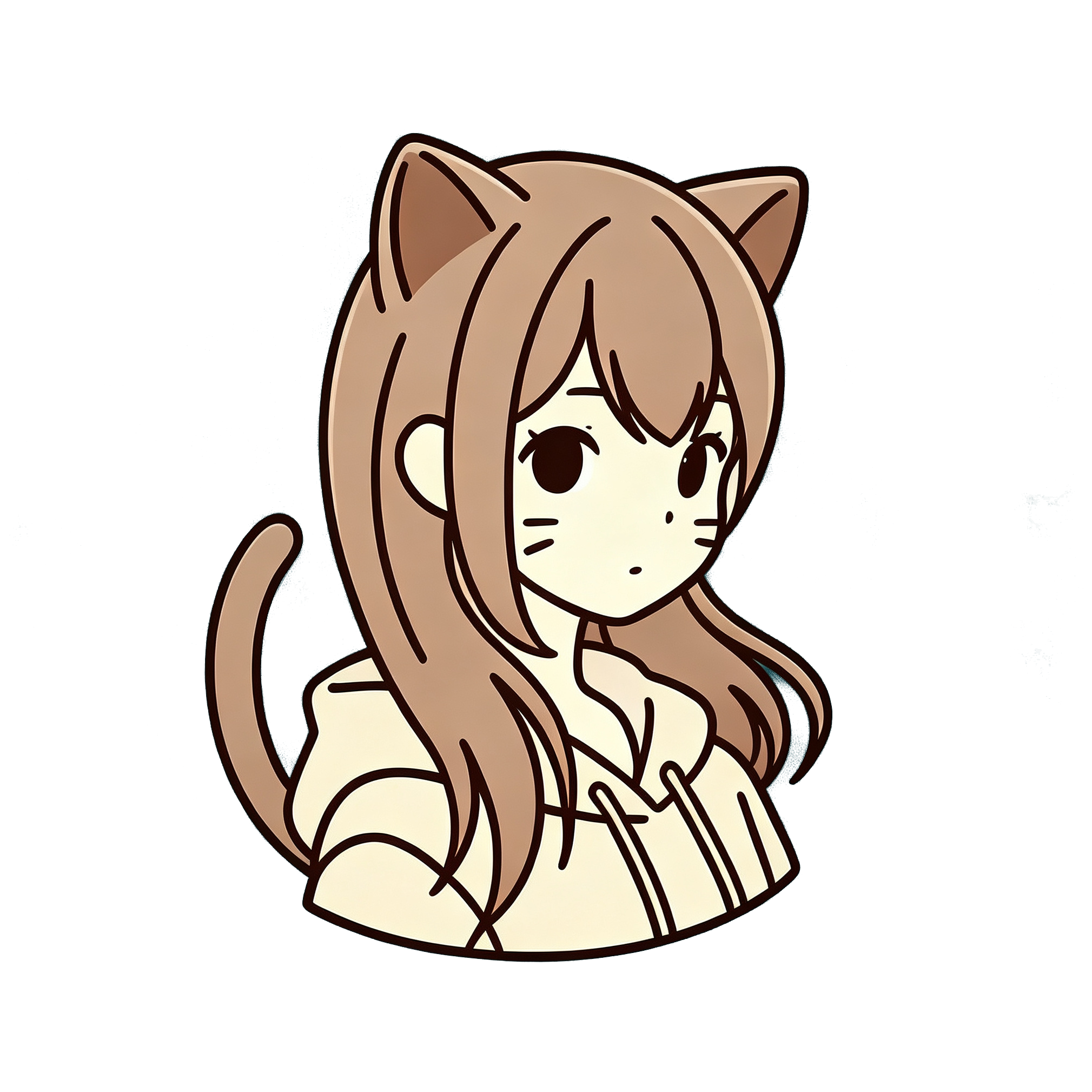
Turning a real photo into anime used to mean hours in Photoshop or hiring an artist. Now you can do it in a browser in under a minute. This guide walks through the exact steps on AnimePhotoGen — free daily credits, no desktop software.
What you need before you start
- A clear photo (selfie, portrait, couple shot, or pet all work)
- Any modern browser on phone or desktop
- About 30 seconds
You do not need an account to generate. Free daily credits cover your first runs. Subscribers can download without a watermark later.
Step 1: Open the online converter
Go to animephotogen.com and scroll to the generator, or jump straight to #generator.
If you prefer a dedicated tool page, use the image to anime converter or anime photo generator. Same engine, different landing copy.
Step 2: Upload your photo
Click the reference image area and upload a JPG or PNG (keep it under the size limit shown in the UI).
Tips that actually help:
- Face should be sharp, not motion-blurred
- Soft, even light beats harsh flash
- One main subject usually looks better than a busy crowd shot
- Avoid heavy filters on the original — the AI redraws from scratch
Step 3: Pick an anime style
AnimePhotoGen includes styles inspired by well-known looks — Ghibli pastoral, Jump-style manga, Sailor-era magical girl, Chibi, cyberpunk night city, watercolor / Shinkai mood, pixel, and more.
If you are not sure:
| Goal | Try first |
|---|---|
| Soft storybook vibe | Ghibli |
| Bold manga cover | Jump |
| Cute avatar | Chibi |
| Neon / night city | Cyberpunk or Neon Glow |
| Romantic landscape feel | Watercolor / Shinkai |
Hover a style for a short subtitle, then select it.
Step 4: Optional prompt and ratio
You can leave the prompt empty. The photo is the main input.
Optional extras:
- Mood or outfit notes (“soft evening light”, “school uniform”)
- Aspect ratio: Auto, 1:1, 3:4, 9:16 for stories, etc.
Then hit Generate.
Step 5: Preview, download, or iterate
When the result appears:
- Preview it in the Output panel
- Click Download for a local copy
- Or Use as Reference to refine another pass
Free downloads may include a light watermark. Active subscribers export clean images — see pricing if you need watermark-free files for print or client work.
Common problems (and quick fixes)
Result looks off-model or weird hands
Try a clearer face crop and regenerate. Different styles handle faces differently — Ghibli and classic cel styles are usually safer for portraits.
Too dark / too neon
Switch away from cyberpunk/neon if you want a soft portrait. Style choice matters more than prompt length.
Generation failed or timed out
Wait a moment and retry. Cold starts on the model queue happen occasionally.
Need it free with no sign-up
Use free daily credits on the homepage generator — no account needed to try. See pricing for watermark-free downloads.
FAQ
Is converting a photo to anime online free?
Yes for daily credits. You can generate without creating an account. Watermark-free downloads are for subscribers.
Is this just a color filter?
No. AnimePhotoGen redraws the image with AI — new line art, shading, and palette — while keeping pose and likeness recognizable.
Can I do this on my phone?
Yes. The converter runs in the browser. Upload a selfie from your camera roll and generate on the spot.
How long does it take?
Usually under a minute once the job starts. Queue time varies.
Next step
Ready? Upload a photo and convert it to anime — pick a style, hit Generate, and save your first result.