

Open text-to-image & edit model
Qwen Image 2.1 Guide
Qwen-Image-2.1 is an open image generation and editing model from the Qwen team. Learn what it is for — then turn a real photo into anime art with AnimePhotoGen.
Photo to anime on AnimePhotoGen
If you already have a photo, skip blank-canvas prompting. Upload below, pick a style, and generate — 1 free credit per day (1 credit each).
Select Style
Choose an anime style for your photo
Input
Upload a photo to convert into anime
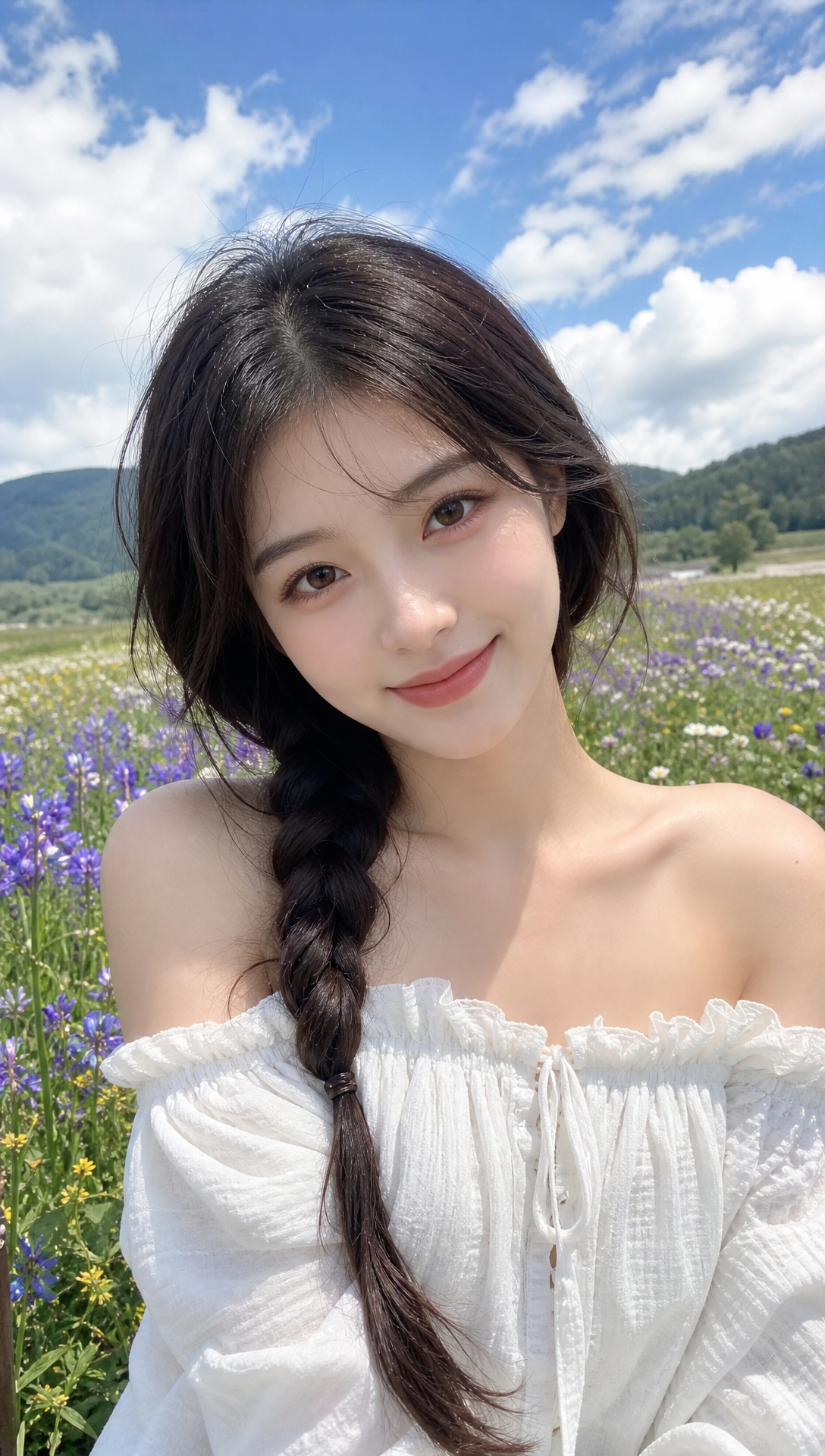
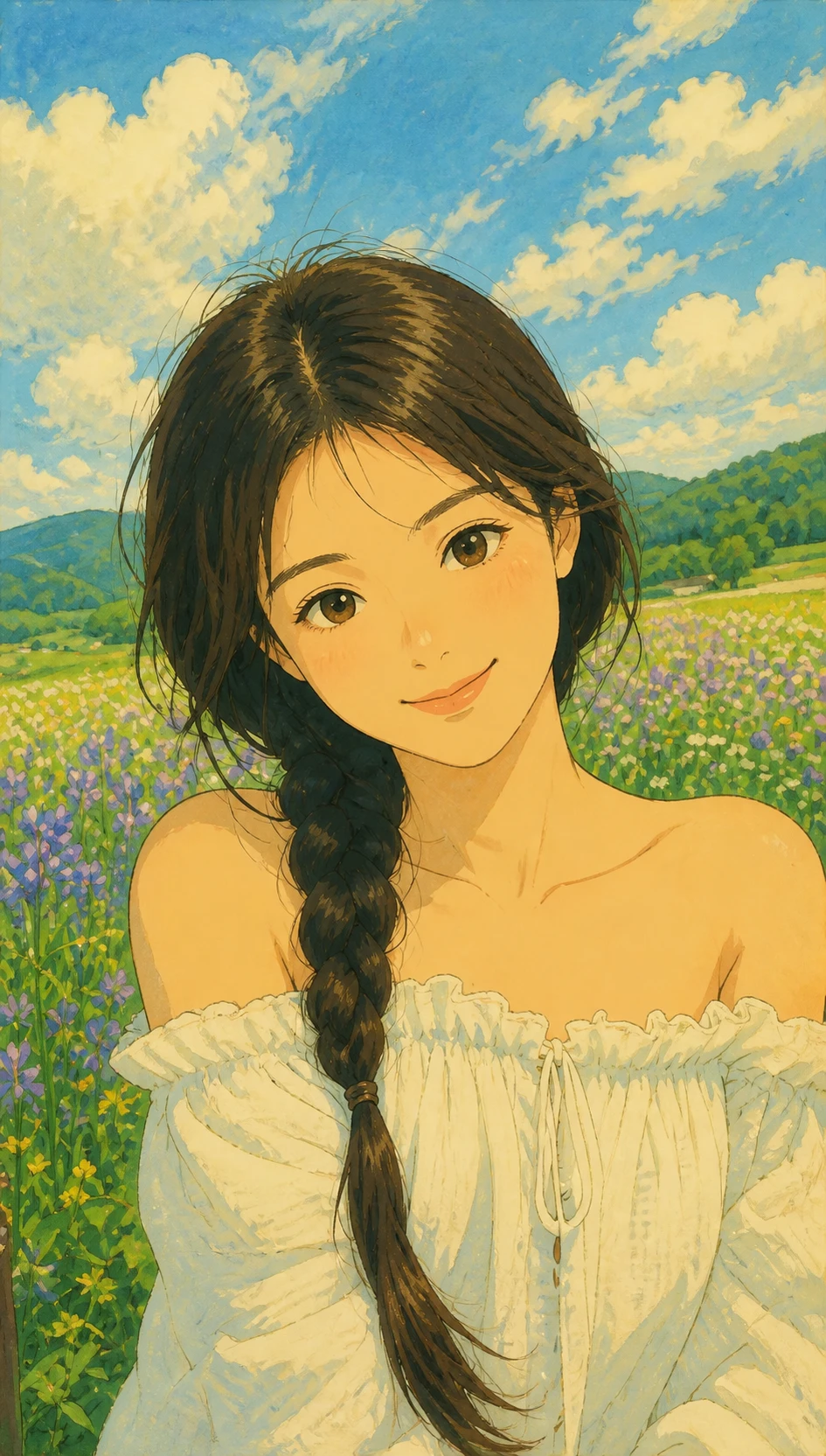
Output
Your generated anime image appears here
What it is
What is Qwen Image 2.1?
Qwen-Image-2.1 is positioned as a unified text-to-image and image-editing model (including stronger text rendering in many demos). Creators compare it with other open checkpoints for prompts and local workflows. AnimePhotoGen solves a different job: identity-preserving photo-to-anime conversion in the browser.
Text-to-image & edit
Qwen-Image-2.1 is discussed for prompt-led generation and image editing pipelines.
Photo likeness first
AnimePhotoGen starts from your upload so face, pose, and lighting stay recognizable.
No local install
Try anime styles online here without setting up Comfy or downloading weights.
Qwen Image 2.1 vs photo-to-anime
Same creative space, different starting point.
Prompt-first workflows
Reach for Qwen-Image-style models when you invent a scene from text or edit with detailed instructions.
Selfie-first workflows
Reach for AnimePhotoGen when the source is a real photo and the goal is anime illustration.
One-click anime styles
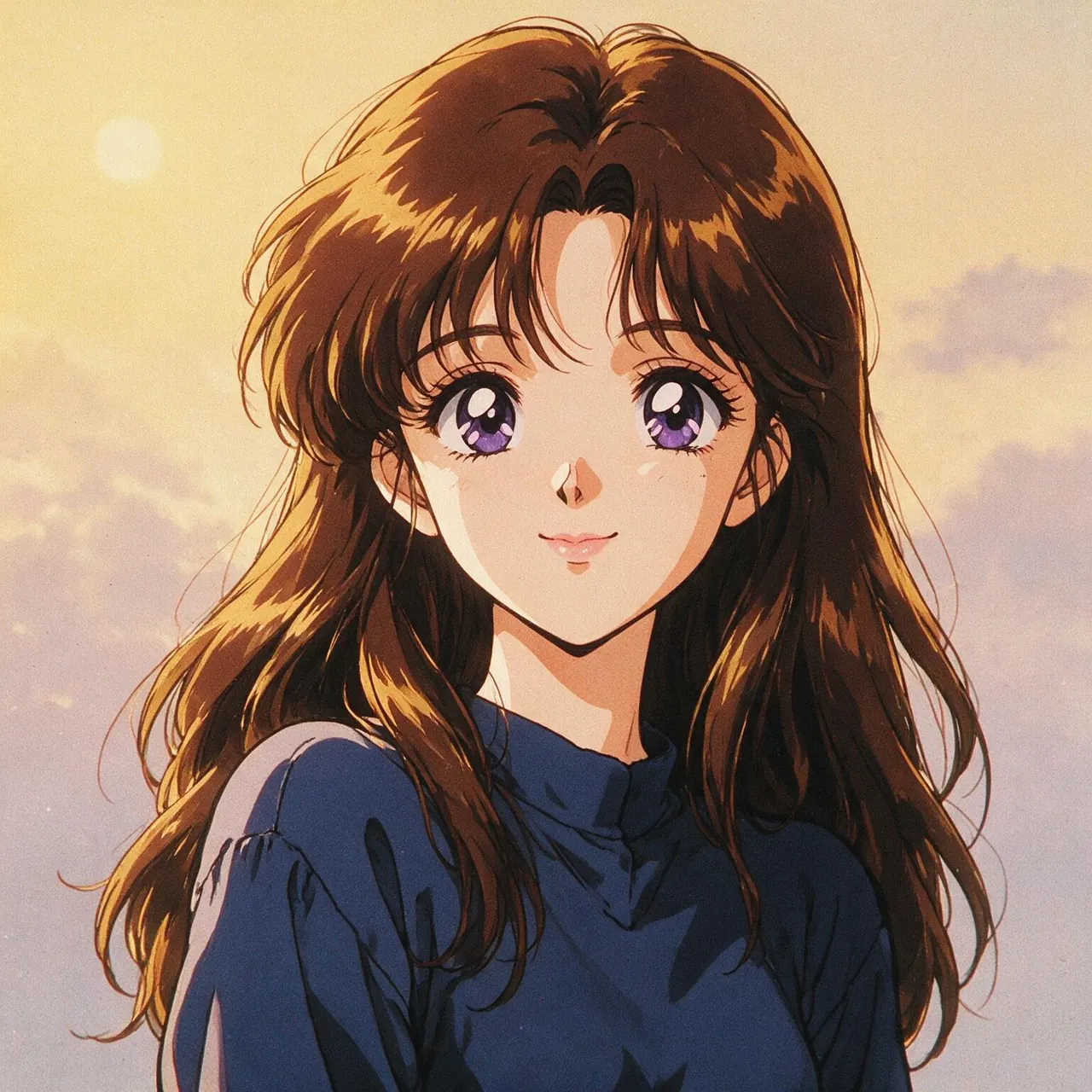
Manga, Ghibli-inspired, cyberpunk, chibi, neon, and more — switch without rewriting a base prompt.
Credits that are easy to understand
1 free credit per day to try; subscribe or buy credits for volume and watermark-free downloads.
Convert a photo after reading this guide
Three steps on AnimePhotoGen.
Upload your image
JPG, PNG, or WebP — clear portraits work best.
Select a style and generate
Use the tool above; optional text can nudge mood or background.
Open the homepage
Finish on the AnimePhotoGen home for galleries, blog tips, and pricing.
Qwen Image 2.1 FAQ
Quick answers for this guide page.
Does this site host Qwen-Image-2.1 weights?
No. Official hubs and docs cover downloads and local setup. AnimePhotoGen provides an online photo-to-anime converter instead.
Can Qwen Image 2.1 replace photo-to-anime?
They overlap loosely. Prompt-led models invent or edit freely; a photo-to-anime tool is built to keep your likeness while changing the art style.
Is generation free?
You get 1 free credit per day (1 credit per photo-to-anime generate). Free downloads include a watermark. Sign in to buy credits or subscribe for more volume and clean exports.
Where should I go next?
Try the generator on this page, then return to the AnimePhotoGen homepage for the full product.
Return to the AnimePhotoGen homepage
The home page has the main tool, style examples, and plans. Use it when you finish this Qwen Image 2.1 guide.