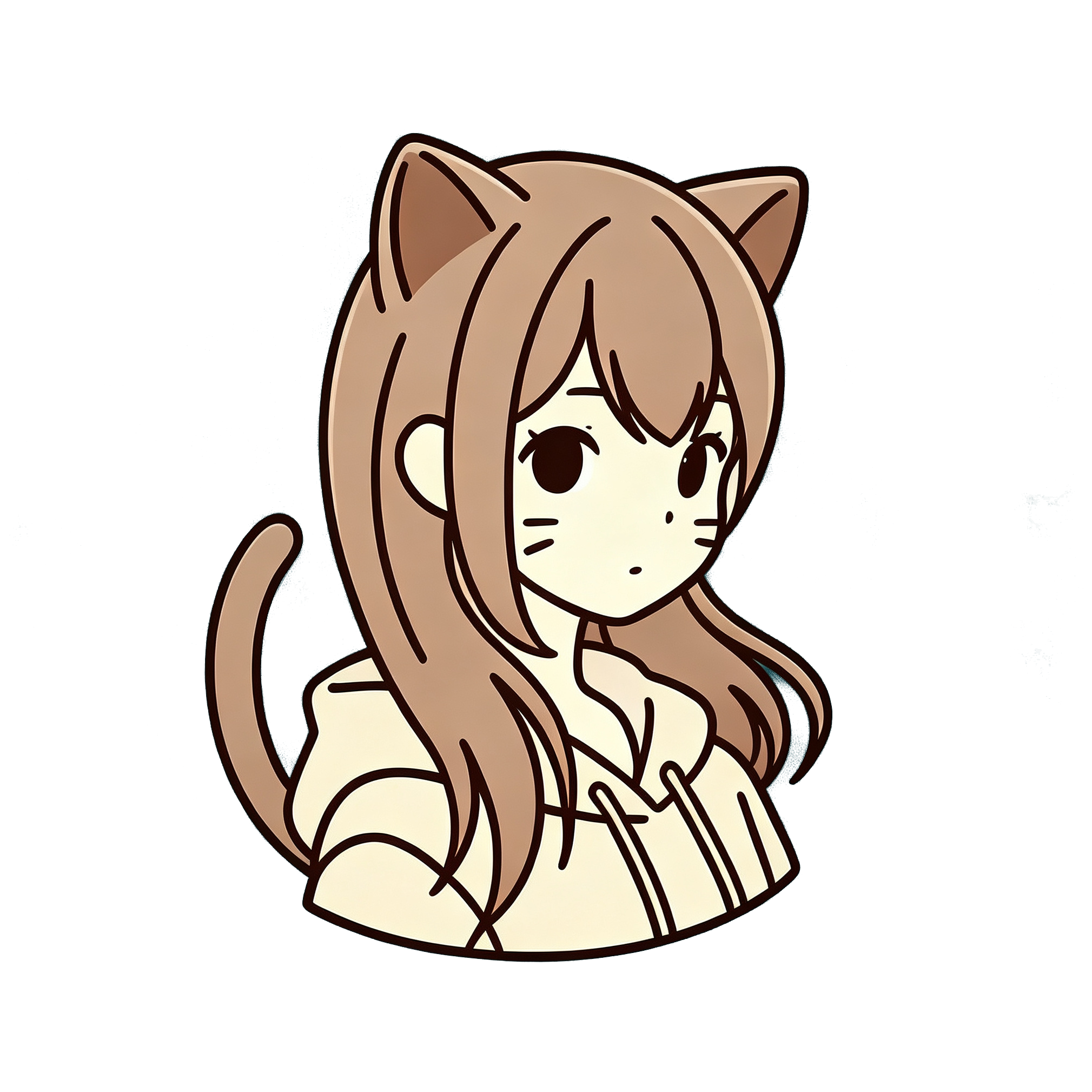
Manga cover portraits sell attitude: clean ink, punchy color, a face that feels print-ready. If you want your selfie to look like a Jump-style magazine cover rather than a soft watercolor postcard, pick the right preset and keep the source photo sharp. This guide is for the Jump / manga look on AnimePhotoGen.
Presets are anime-inspired. They are not official Weekly Shonen Jump artwork or publisher products.
Manga cover vs soft anime
| Goal | Better preset |
|---|---|
| Bold lines, cover energy | Jump (manga) |
| Soft storybook light | Ghibli |
| Battle aura / action | Naruto / shonen family |
| Cute icon | Chibi |
People searching “photo to manga” usually want linework and contrast — not pastel haze. If your first result looks too gentle, you probably picked the wrong style, not a bad photo.
Photos that work well
Good inputs
- Sharp eyes and hair edges
- Strong but not blown-out light (window light or outdoor shade)
- Confident or neutral expression — soft shy smiles can look flat under hard cel shading
- Simple clothing with clear silhouettes
Harder inputs
- Motion blur
- Heavy Instagram filters that already flatten the face
- Busy patterned shirts that fight the line art
- Night club photos with color noise
For cover vibes, a tight portrait crop beats a distant full-body shot.
How to run Jump / manga style
- Go to the generator
- Upload your photo
- Select Jump (manga cover style)
- Optional prompt: “manga cover portrait,” “clean line art,” “bold shading”
- Try 3:4 or 4:3 if you want a poster-like frame
- Generate and compare one regenerate before changing styles
Full beginner flow: how to turn a photo into anime online.
Prompt tips
Useful:
- manga cover portrait
- clean black line art
- vibrant flat colors
- dramatic side light
Less useful:
- “make me look exactly like [named character]”
- dumping ten artist names
- asking for watercolor and hard cel shading at once
Fixing common bad results
Lines look soft / painterly
Confirm you selected Jump, not Ghibli or watercolor. Regenerate once.
Face likeness dropped
Crop closer to the face. Manga stylization exaggerates eyes and jaw — a clearer source helps.
Colors feel muddy
Mention “vibrant flat colors” or use a brighter source photo.
You wanted neon night-city
Use cyberpunk / neon instead of Jump.
Manga vs shonen action
Jump-style covers emphasize portrait polish. Shonen battle presets push motion, aura, and speed lines. If you want a calm headshot for a profile or print, stay on Jump. If you want “about to fight,” try the shonen family next.
FAQ
Can I sell these as prints?
Check terms of service and your local laws. For clean commercial-looking files, use a subscribed download without watermark — see pricing.
Does manga style work for pets?
Yes, especially with a clear face crop. Expect stronger outlines and flatter color than a Ghibli pet portrait.
Why does it look “generic anime,” not “cover art”?
Source lighting and crop matter. Sharp daylight + Jump preset + short “manga cover” prompt is the safest combo.
Try a manga cover portrait
Upload a photo and select Jump — keep prompts short, regenerate once for likeness, then download when the linework hits.