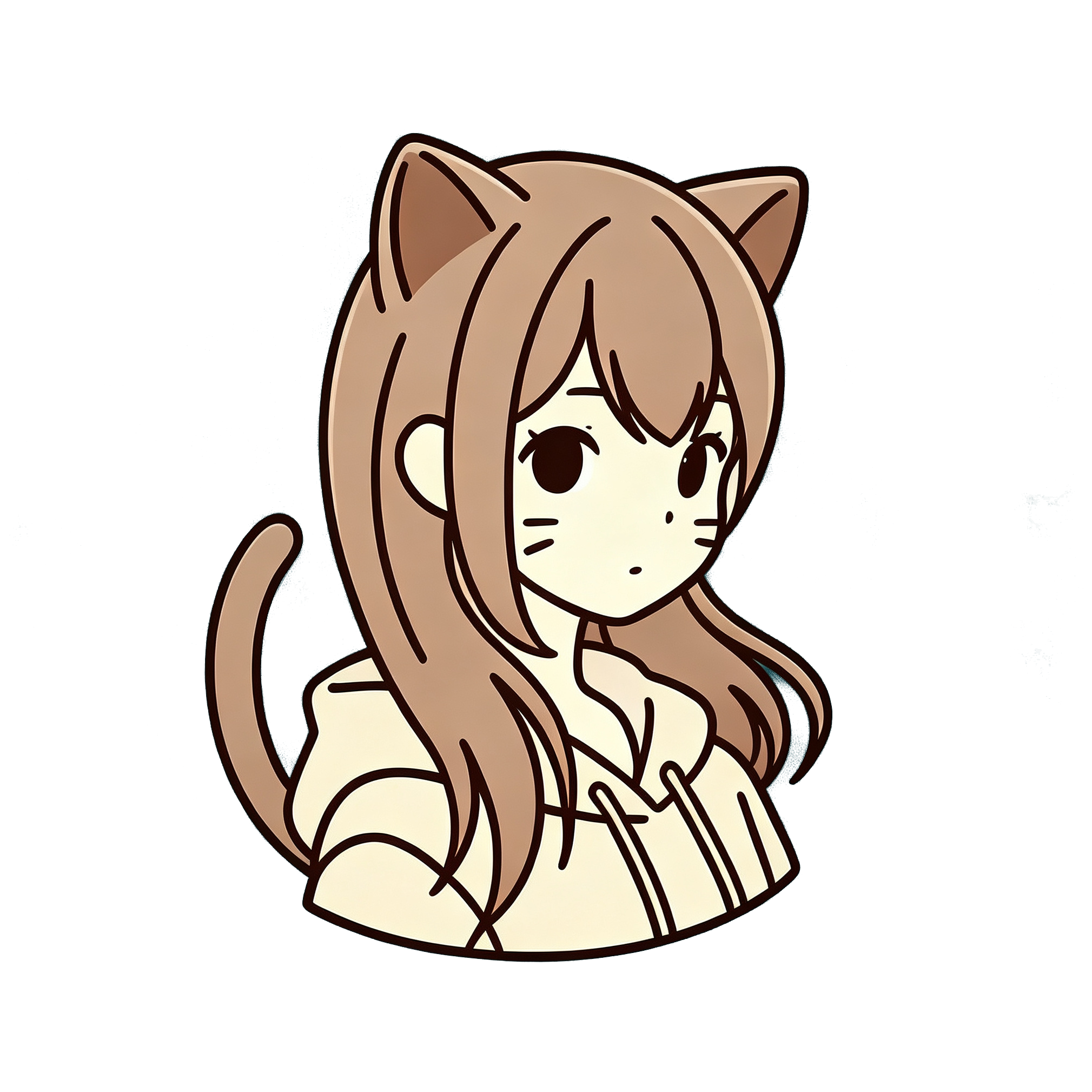
Chibi avatars are the fastest way to get a cute, recognizable profile picture from a real selfie. Big head, small body, sticker-ready framing — perfect for Discord, Twitch, LINE, or Instagram. Here is how to do it on AnimePhotoGen without ending up with a random mascot that does not look like you.
AnimePhotoGen’s Chibi preset is an inspired super-deformed look. It is not tied to any single studio or character IP.
What a good chibi avatar needs
- Clear face (eyes and hairline visible)
- One subject — not a crowded group selfie
- Square-friendly crop (or leave room to crop after)
- A style that actually pushes SD proportions — that means Chibi, not Ghibli or Jump
If you pick a soft painterly style and hope for “cute,” you usually get a normal-proportion anime portrait. Style first.
Photos that work well
Good inputs
- Front or three-quarter face, eyes open
- Soft indoor light or cloudy outdoor light
- Simple background (wall, park bokeh, plain room)
- Hair fully in frame — chibi hair is a big part of the identity
Harder inputs
- Side profile only
- Hats / heavy sunglasses covering the face
- Extreme beauty-filter faces that already look plastic
- Full-body tourist shots where the head is tiny
Crop to head-and-shoulders before you upload if the original is busy.
How to make a chibi profile picture
- Open the generator
- Upload your selfie
- Select Chibi
- Optional short prompt: “cute chibi avatar,” “simple background,” “pastel colors”
- Prefer a 1:1 aspect ratio if you are making a PFP
- Generate, then crop in your phone gallery if needed
New to the tool? Start with how to turn a photo into anime online.
Prompt tips (keep them short)
Useful:
- cute chibi avatar
- pastel colors
- clean simple background
- soft smile
Less useful:
- long character bios
- “exact copy of [famous chibi IP]”
- mixing “chibi” with “cyberpunk neon city” in one pass
Fixing common bad results
Does not look like me
Tighter face crop + regenerate. Chibi always exaggerates features — regenerate once or twice before switching styles.
Too much body / not avatar-like
Ask for “head focus” or “bust-up chibi” in the prompt, or crop the download to a square.
Background too busy
Use a plainer source photo, or prompt “plain pastel background.”
You wanted soft storybook, not SD
Switch to Ghibli-style tips instead of Chibi.
Where people use chibi PFPs
| Use | Tip |
|---|---|
| Discord / Twitch | 1:1 crop, readable at small size |
| Instagram / TikTok | Keep hair and eyes sharp — they read first |
| Game / forum avatar | Avoid tiny text or logos in the original |
| Sticker / emoji set | Same selfie, regenerate with slight prompt changes |
FAQ
Is Chibi better than Ghibli for profile pictures?
Usually yes for icons. Chibi is designed to read at small sizes. Ghibli looks better as a larger portrait or story post.
Can I make matching avatars for friends?
Yes — each person uploads their own clear selfie with the same Chibi preset and similar prompts so the set feels consistent.
Will the download be watermarked?
Guests may get a watermarked preview. Sign in for clean exports — see pricing.
Make your chibi avatar
Upload a selfie and pick Chibi — keep the prompt short, use 1:1 if you can, and regenerate once if likeness is off.